
Open as App Service Structure
Creating an app from your spreadsheet is easier than you might think. Here we briefly describe how the Open as App service is structured.
The Open as App service has three major parts:
First, the creation of your app.
Second, the management of your apps and users.
And third, the app client for users who receive your apps - including yourself.
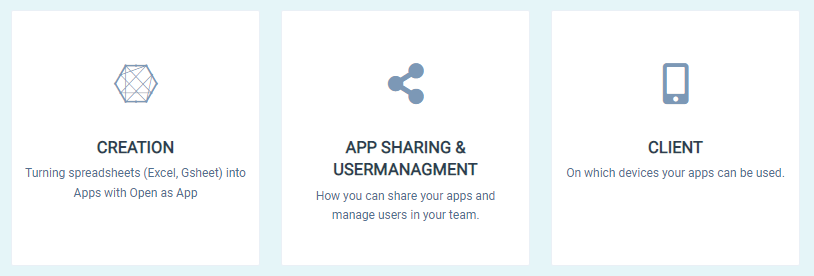
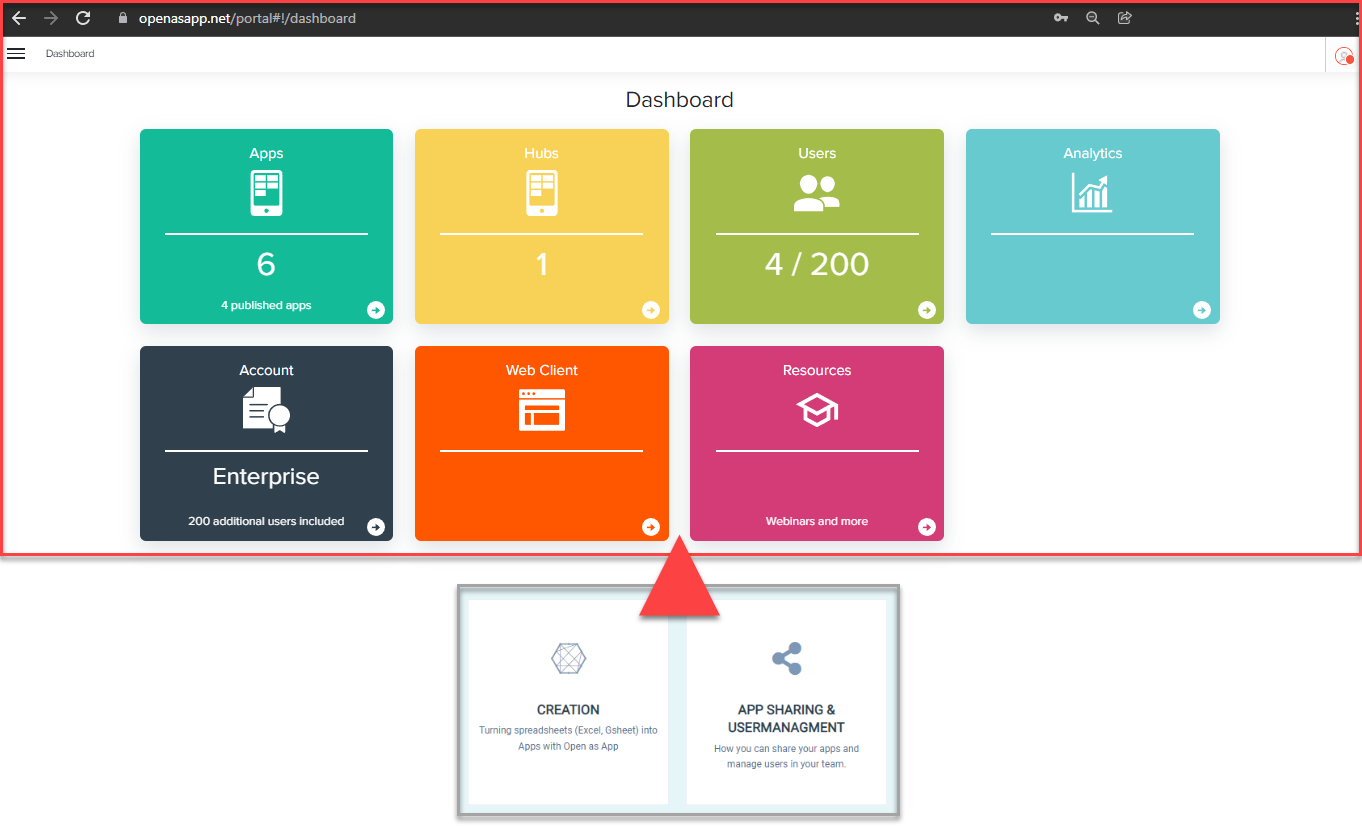
The App Creation and User management & App sharing are basically handled via the web portal in your browser.
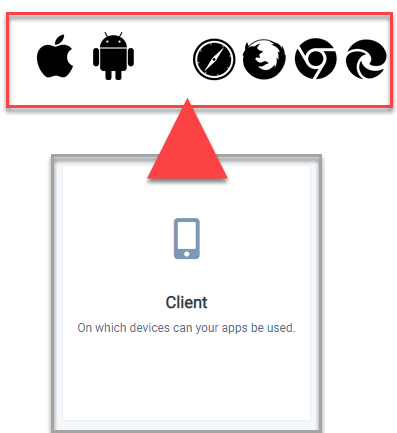
Your created apps can be used via the Open as App - App (iOS/Android) or our Web Client. You can also integrate the app into your homepage via an Iframe.
In the related sections in our Help Center you will find all the basic information you need.
Was this article helpful?
Still stuck? Submit a request