
Embed your app on a website
To make your app available on a website, you need the correct code snippet. This code snippet is unique for each app, so use the one that is stored with your app.
Here is an example of an embedded app:
You can find the code snippet under "Advanced Settings" > "Embed in website":

Copy this code and place it at the desired location in your web page.
Inside the snippet you will find the parameters width and height. With them you can define how wide and how high the "app frame" should be displayed.
In the Enterprise Package there is also the option to unbrand the app in the frame.
Below the code you will also find some additional options, which will affect the code and add some parameters to the iFrame.
Please be advised that these changes will not be pushed to code snippets you might already have implemented on some websites.
Who can access an embedded app?
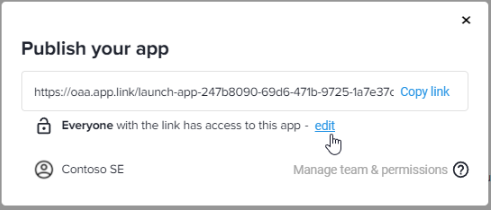
Apps published and shared via the Share link access to the app is possible without authentication.
Apps published and shared via the Email addresses/groups,
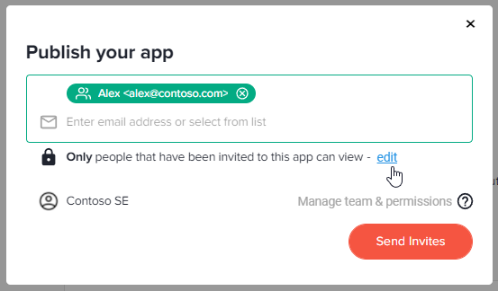
the user who wants to start your app must first authenticate himself with his email address. This user must then also be authorized to use the app by the app creator/admin.