
Web Client
With the web client, you can start and use apps directly in the browser on the laptop or PC. The client is available without installation in the common browsers.
Note:
You can reach the Open as App Web Client at the following link: https://www.openasapp.net/portal#!/client/
To start the Web Client from the Web Portal:
- Sign in here in your account.
- In the Dashboard, click the "Web Client" tile.
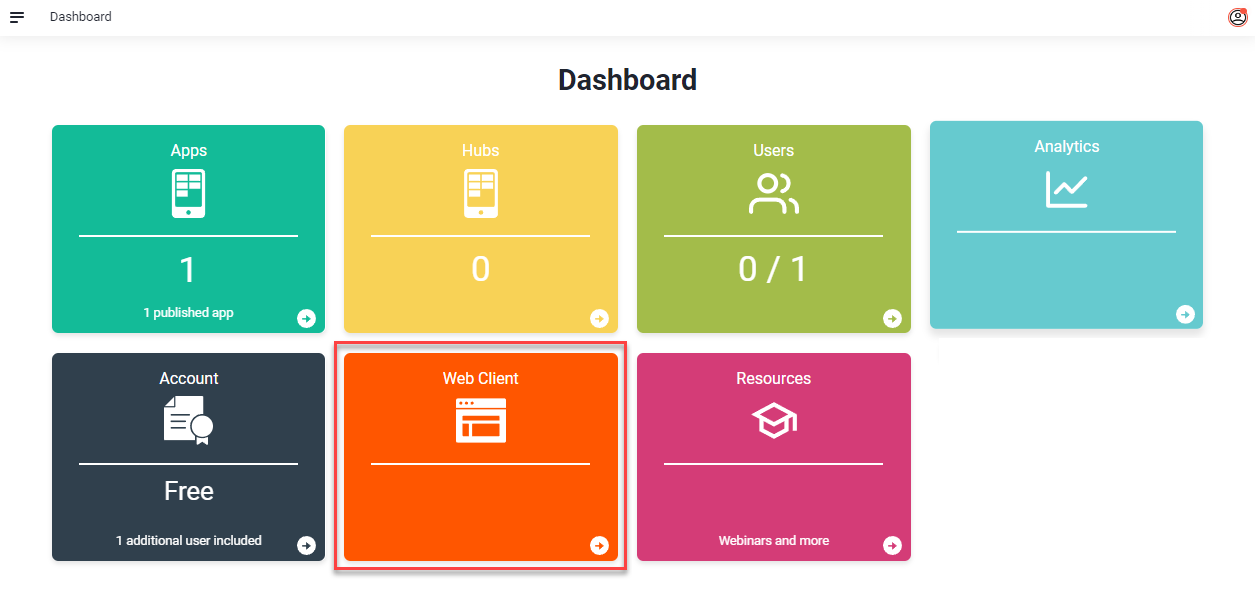
Alternatively, the client can also be started via the left menu in the web portal. - The web client starts in the browser and can be used immediately.
Was this article helpful?
Still stuck? Submit a request